A look at TapVid, the AI video maker that builds launch, explainer and social videos from your own material and keeps your logos, screenshots and numbers as supplied.
Launch videos and social clips are some of the most useful assets a team can ship, and some of the slowest to make. A short feature video can take days of editing or an agency brief. And when you hand the job to a generic AI video tool, it often redraws your logo, rewrites your numbers or invents visuals that don't match your product.
TapVid takes a different approach: it builds videos from your own material and keeps that material accurate. Your logos, screenshots and figures go into the video as you supplied them, you review the storyboard before anything renders, and you can fix a single scene with a text prompt instead of regenerating the whole video. For teams shipping releases, it works as a product launch video maker that keeps your product looking like your product.
TL;DR: TapVid turns scripts, docs, product assets and your own footage into launch, explainer and social videos. It keeps your assets and wording as supplied, lets you review and fix scene by scene, and exports 1080p MP4 in 16:9 or 9:16. It also works inside Claude and Cursor through MCP, and through a REST API. Plans start at $49 a month, with a $4.99 trial.
The problem with most AI video
There are two usual ways to get a product video made. You can edit it yourself or hire someone, which takes time and budget. Or you can use an AI video generator, which is fast but tends to make up its own visuals: a logo that's almost right, a UI that never existed, a number that changed on the way in.
For a launch video, that second problem matters. The point of the video is to show your real product, your real numbers and your real brand.
How TapVid works
TapVid's workflow is built around starting from what you already have and staying in control of the result.
- Bring your material. Start from a script, a PDF, a Word doc, a PowerPoint or Google Slides deck, a URL or article, images and brand assets, audio or a podcast, or your own video footage.
- Review the storyboard. Before anything renders, you see the video scene by scene, with the voiceover track, and can check that every scene says and shows the right thing.
- Fix scenes by prompt. If one scene needs changing, describe the change in a text prompt. The rest of the video stays as it is.
- Export. Download a 1080p MP4 or share a read-only link, in 16:9 or 9:16.
Every change is saved as a version, so you can roll back if an edit doesn't work out.
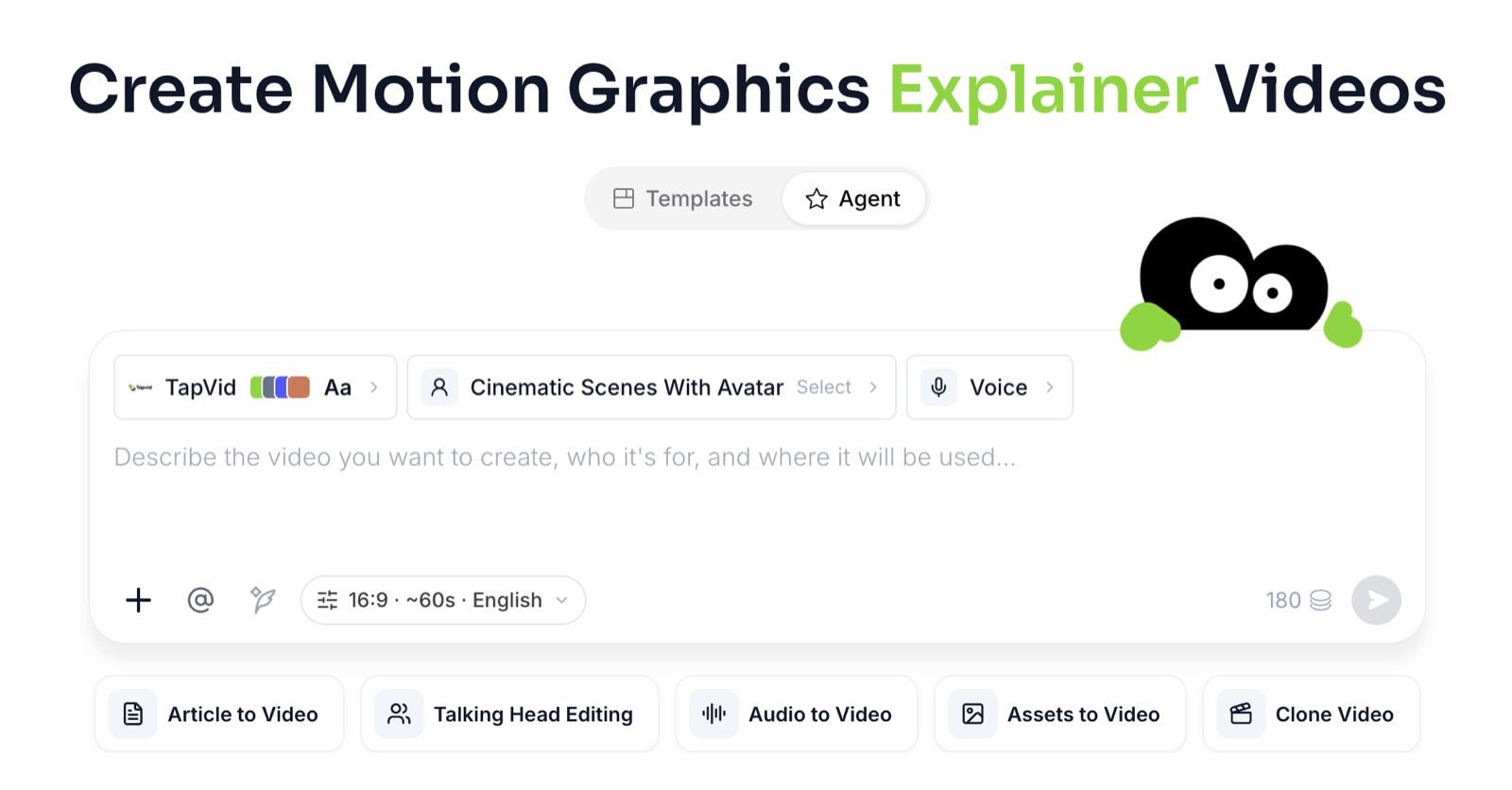 Start from your own material: a script, doc, link or your own footage.
Three kinds of accuracy
TapVid's main idea is that a video should stay true to what you gave it. That shows up in three ways:
- Assets. Logos, UI screenshots and product images are used as they are, not redrawn.
- Information. Your wording, numbers, prices and model names are not rewritten.
- Correspondence. Each scene keeps the right script, voiceover and asset together, so what's said matches what's shown.
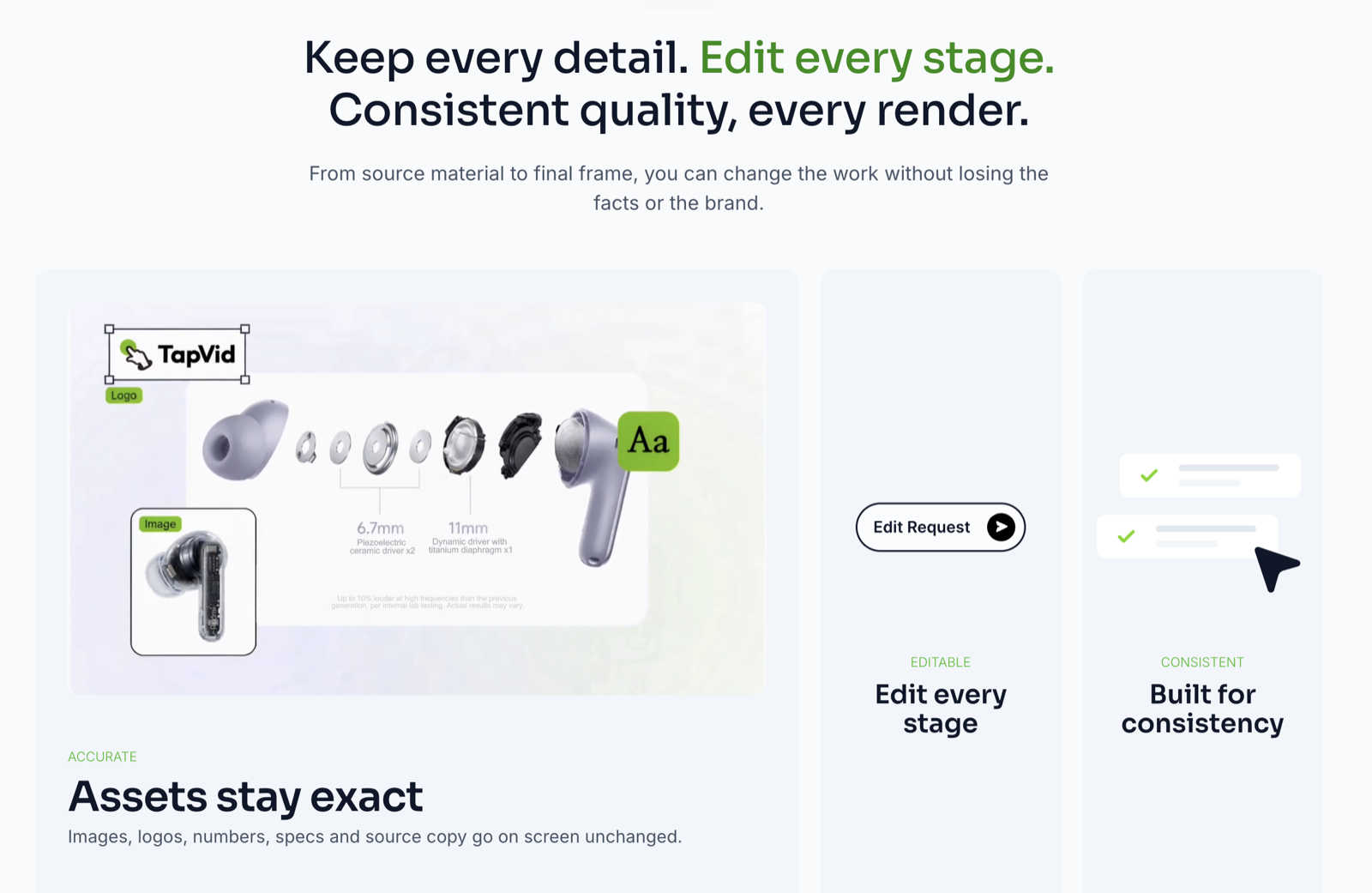 Product specs and brand colors carried into the video as supplied.
Four ways teams use TapVid
1. Product launch videos
Turn launch notes and a feature list into a launch video for a SaaS release, a feature drop or a Product Hunt gallery. Your product shots, UI and numbers stay exactly as supplied, so the video shows the product people will actually get.
2. UGC-style talking-head videos
Upload your own founder or creator footage. TapVid adds B-roll, captions and motion graphics around it, while keeping the original speaker and audio intact.
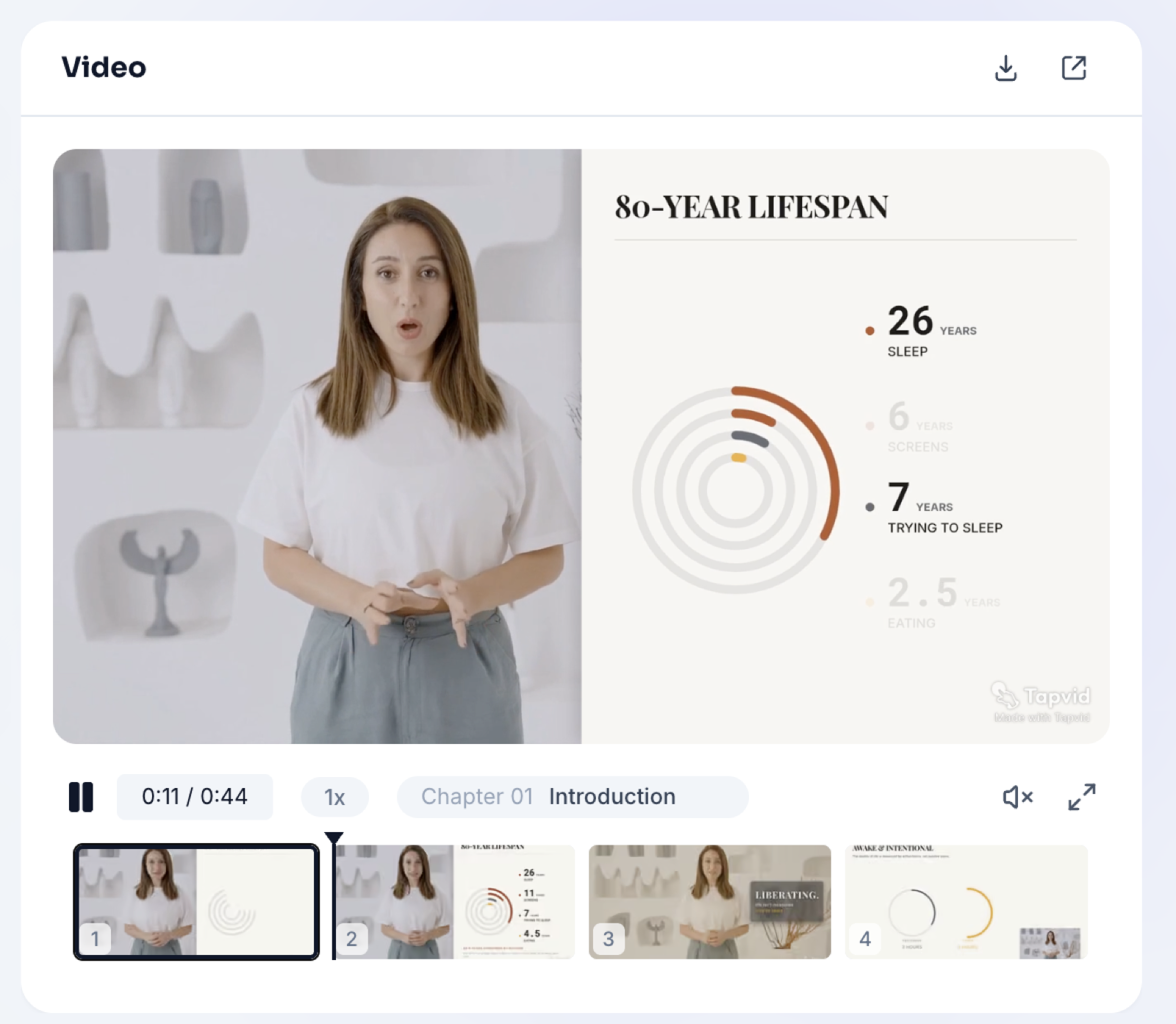 Review the storyboard scene by scene, with the voiceover track, before rendering.
3. Social media videos for small and medium businesses
Make vertical 9:16 videos for Reels, Shorts and feeds from a prompt, a script or your product assets, with your Brand Kit applied so every video looks like yours.
4. Videos from inside Claude
TapVid has an MCP server and Connectors, so you can add it to Claude as a custom connector (on claude.ai, Claude Desktop or Claude Code) and generate videos straight from a chat. It also works in Cursor, and through a REST API where you can set credit and task limits per API key and run videos in series or in batches.
Production features
- AI voiceover with 100+ voices in multiple languages
- An auto-timed soundtrack that fits the length of your video
- Style cloning from a reference video
- Version history for every edit, so you can roll back
Generations that fail don't use credits.
Pricing
| Plan | Monthly | Billed yearly | Credits per month | Approx. videos per month |
|---|---|---|---|---|
| Trial | $4.99 one-off | n/a | 1 video, valid 3 days | 1 |
| Pro | $49 | $39.20/mo | 2,000 | ~15 |
| Max | $99 | $79.20/mo | 6,000 | ~44 |
| Ultra | $199 | $159.20/mo | 14,000 | ~104 |
| Team / Enterprise | Custom | Custom | Custom | n/a |
The trial renews as Pro at $49 a month unless you cancel it. Yearly billing is 20% off. Video estimates are based on regular videos, which use 3 credits per second. See the latest details on TapVid's pricing page.
Trust and data
- No training on customer data
- GDPR compliant
- SSO / SAML
- SOC 2 certification in progress
Limitations to know about
- Video length is capped. Videos can be up to 3 minutes, or up to 5 minutes on the Ultra plan.
- There's no free render. The cheapest way to try it is the $4.99 trial, which renews as Pro unless cancelled.
- SOC 2 isn't finished yet. Certification is in progress, which may matter for some enterprise buyers.
FAQ
What can I make videos from? Scripts, PDFs, Word docs, PowerPoint or Google Slides decks, URLs and articles, images and brand assets, audio and podcasts, and your own video footage.
Will TapVid change my logo or numbers? TapVid is built to use your logos, screenshots and figures as supplied, and you review the storyboard scene by scene before rendering.
Can I edit one part of a video without starting over? Yes. You can fix a single scene with a text prompt, and every change is saved as a version you can roll back.
What formats can I export? 1080p MP4 or a read-only share link, in 16:9 or 9:16.
Can I use TapVid from Claude or Cursor? Yes. TapVid has an MCP server and Connectors, so you can add it to Claude or Cursor, or use the REST API.
Is there a free plan? No. There's a $4.99 trial for one video, which renews as Pro at $49 a month unless you cancel.
The bottom line
TapVid is built for teams that need videos about their own product and want them to stay accurate: real assets, real numbers and the right message in every scene. If you ship launches, feature updates or a steady flow of social content, it's worth a look.
Start with the $4.99 trial at tapvid.ai.

Founder of TapVid.

Sponsored: the team behind TapVid paid for this post. It was written with FoundrList's AI launch agent from their own details and reviewed by FoundrList before publishing. Editorial policy